
Articles in this section
- Join us at Construmat 2024 for our upcoming digitalisation show
- Best Practices for Digitising Plan Reviews
- SCIA Engineer in buildingSMART openBIM Tour 2022
- Coexistence of BIM and traditional systems through GRAPHISOFT Archicad and Bluebeam Revu
- Archicad disruptive technology at BIM Experience Digital Event 2020
- Archicad 24: Unboxing, Review & Upgrade Training
- Building Together 2020 Follow up Session for Spain and Andorra
- GRAPHISOFT BUILDING TOGETHER DIGITAL EVENT 2020
- OPEN BIM in Action: TCQ and ARCHICAD OPEN BIM workflow
- OPEN BIM in Action: CYPE and ARCHICAD OPEN BIM workflow
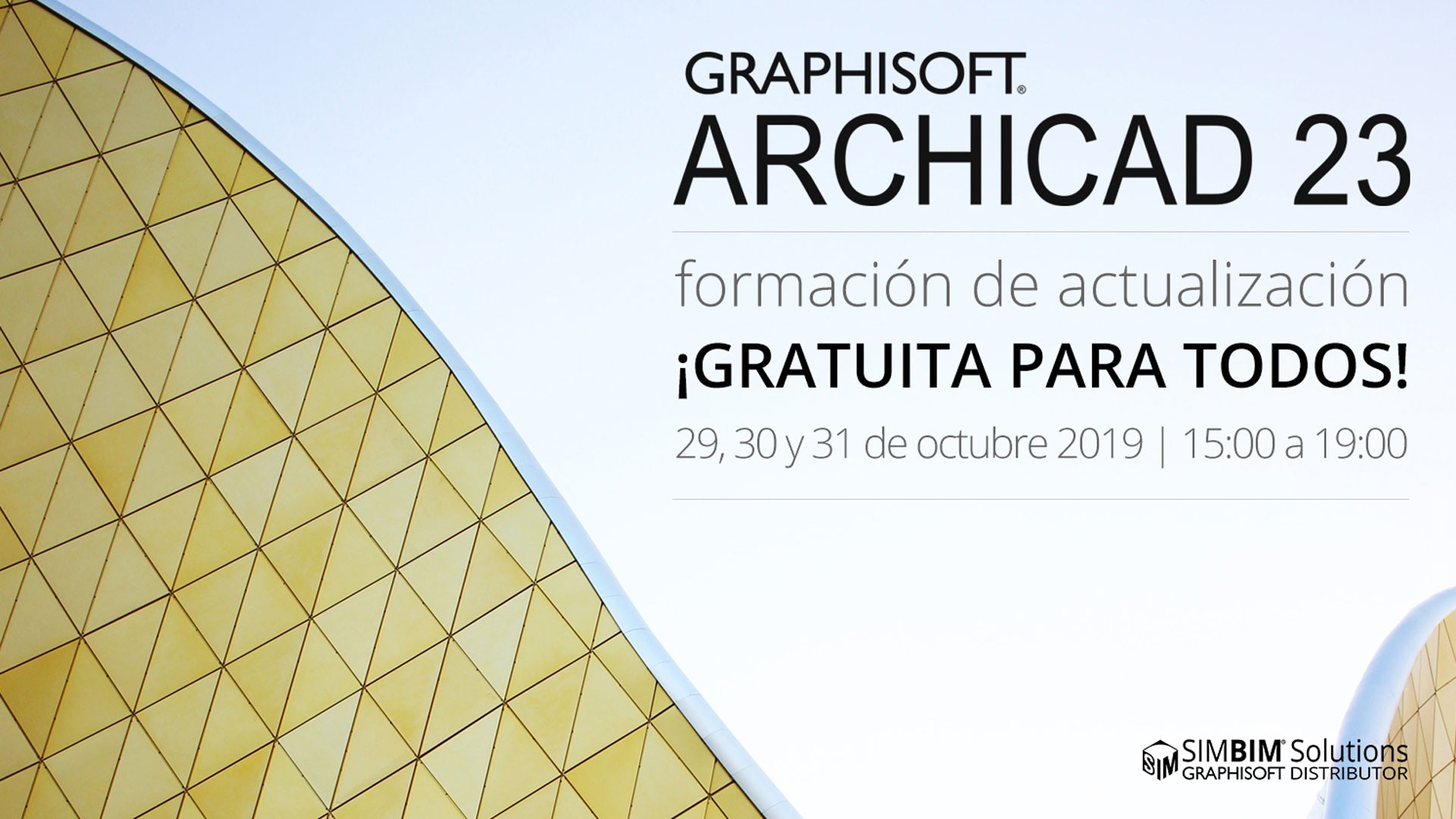
ARCHICAD 23 upgrade training, Free for everyone!
By SIMBIM Solutions
Originally published on 23 October 2019. Versions, prices, offers and partnerships may have changed.
ARCHICAD 23 upgrade training, Free for everyone!
ARCHICAD is more than just a box of software – it is an investment in BIM technology and new ways of working. If you are a current ARCHICAD professional user, university student/educator, or just simply been thinking about what BIM software solution to use, watching these 5 recorded videos of ARCHICAD 23 webinars would be an excellent start. Besides, by the end of this month we have an ARCHICAD 23 upgrade training (free of charge) with live streaming format that brings 12 hours of best-in-class ARCHICAD and BIM training to your office, home, or simply wherever you are!
Register for Free to ARCHICAD 23 upgrade training
Let’s take full advantage of ARCHICAD 23 features!
In this upgrade training, you will learn how to work with new beam and column tool, how to take advantage of the new opening tool, and being updated about new performance and interoperability improvements that can help your workflow. Moreover, in this 12-hours training, you will also learn some advance techniques for your ARCHICAD-Twinmotion rendering workflow.
When and Where?
The training will be delivered live from #graphisoftLEARN virtual classrooms in Spain and of course it's in Spanish!
- Design features | Virtual Class T101 | 29/10/19 | 15:00 to 19:00 CEST
- Advance visualizations using Twinmotion-ARCHICAD | Virtual Class T102 | 30/10/19 | 15:00 to 19:00 CEST
- Coordination and Performance new features | Virtual Class T103 | 31/10/19 | 15:00 to 19:00 CEST
Difficulty Level: 2 out of 4
Duration: 12 hours, 3 sessions of 4 hours
What do I need to attend?
- Having ARCHICAD installed in your computer (Read this article about how to get your free copy of ARCHICAD)
- Register in EDUBIM platform and get ARCHICAD upgrade training course (Free of charge)
- Enroll to each session from your account (make sure you are enrolling in advance, when the session starts, you cannot enroll anymore!)
- If you wish to attend the second session on 10/30/19, you should also download and install Twinmotion in your computer (In ARCHICAD23.es you can find steps to download and install twinmotion)
Tell your friends about this event! Even if they are not using ARCHICAD, this training will provide firsthand experience of what this best in class BIM software solution (since 1984) can offer! To learn more about ARCHICAD 23 please check out its micro-website in Spanish, where you can find collections of all you need to know about ARCHICAD 23, records of technical webinars, offers, and many short tutorial videos in Spanish!
Note: Since it is a live workshop and not webinar, the seats are limited.
Related articles
- Join us at Construmat 2024 for our upcoming digitalisation show
- Best Practices for Digitising Plan Reviews
- SCIA Engineer in buildingSMART openBIM Tour 2022
- Coexistence of BIM and traditional systems through GRAPHISOFT Archicad and Bluebeam Revu
- Archicad disruptive technology at BIM Experience Digital Event 2020