
Articles in this section
- How to Create an Archicad Template and What It Should Contain?
- How to Reallocate Bluebeam Subscriptions Between Accounts?
- How to Subscribe to Software with SIMBIM
- Archicad Files Don't Show the Correct Icon on Windows
- Why Can't I Assign a Licence If the User Shows Up as a Guest?
- How to Reset Your Bluebeam ID (BBID) Password?
- How to Transfer Markups to Another Document?
- How to Manage My Bluebeam Subscriptions?
- How to Change the Administrator of a Graphisoft ID Company?
- How to Use Bluebeam Revu on Mac Computers?
How to Enable Cloud Licence Portability to Collaborate on Another BIMcloud SaaS?
Licence portability in BIMcloud SaaS allows members of a company to use their licences in BIMcloud SaaS environments belonging to other organisations, making it easier to collaborate with external teams. Below, we explain how to enable this feature step by step.
-
Sign in at https://graphisoftid.graphisoft.com/ using the administrator's email
-
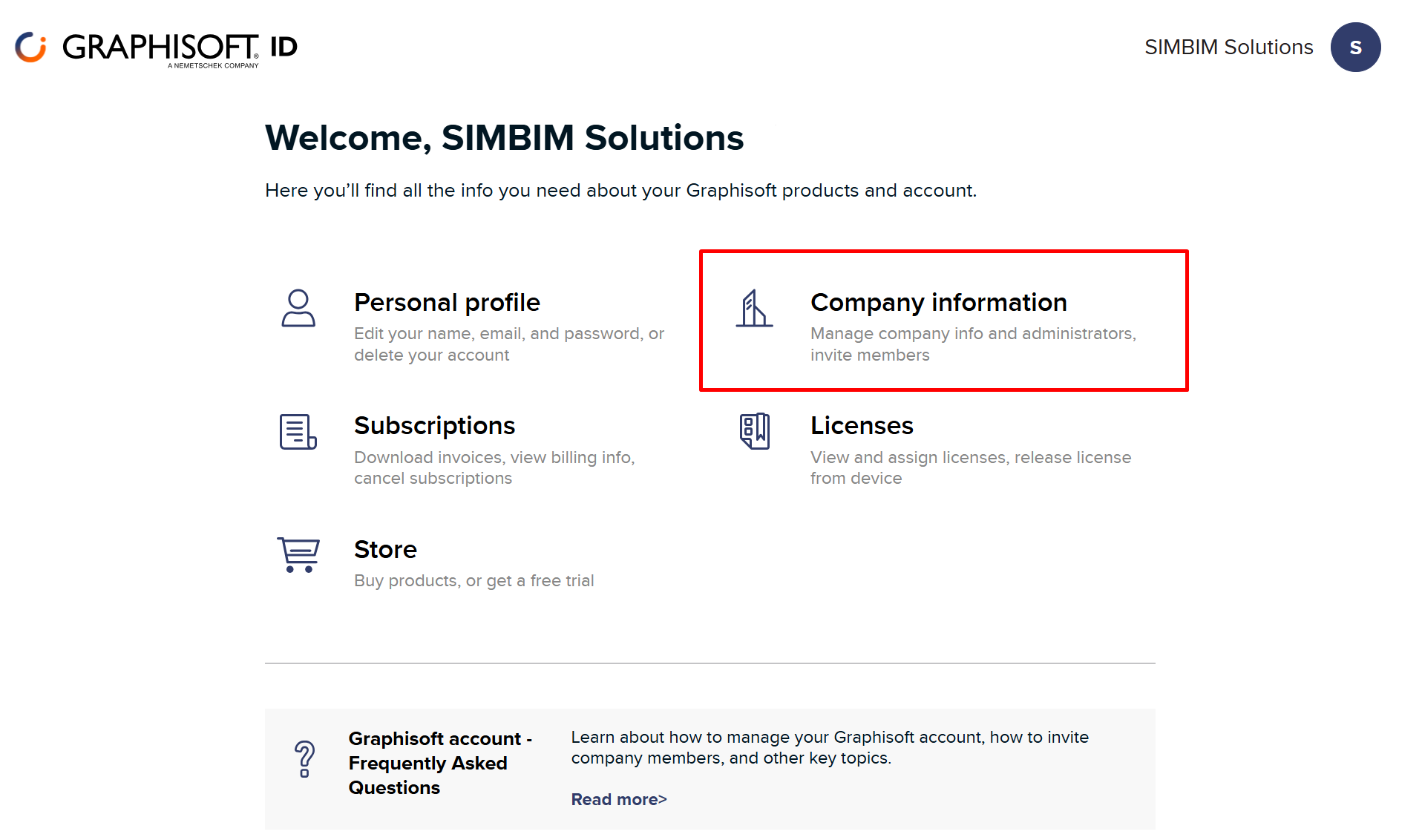
Select "Company Information"
-
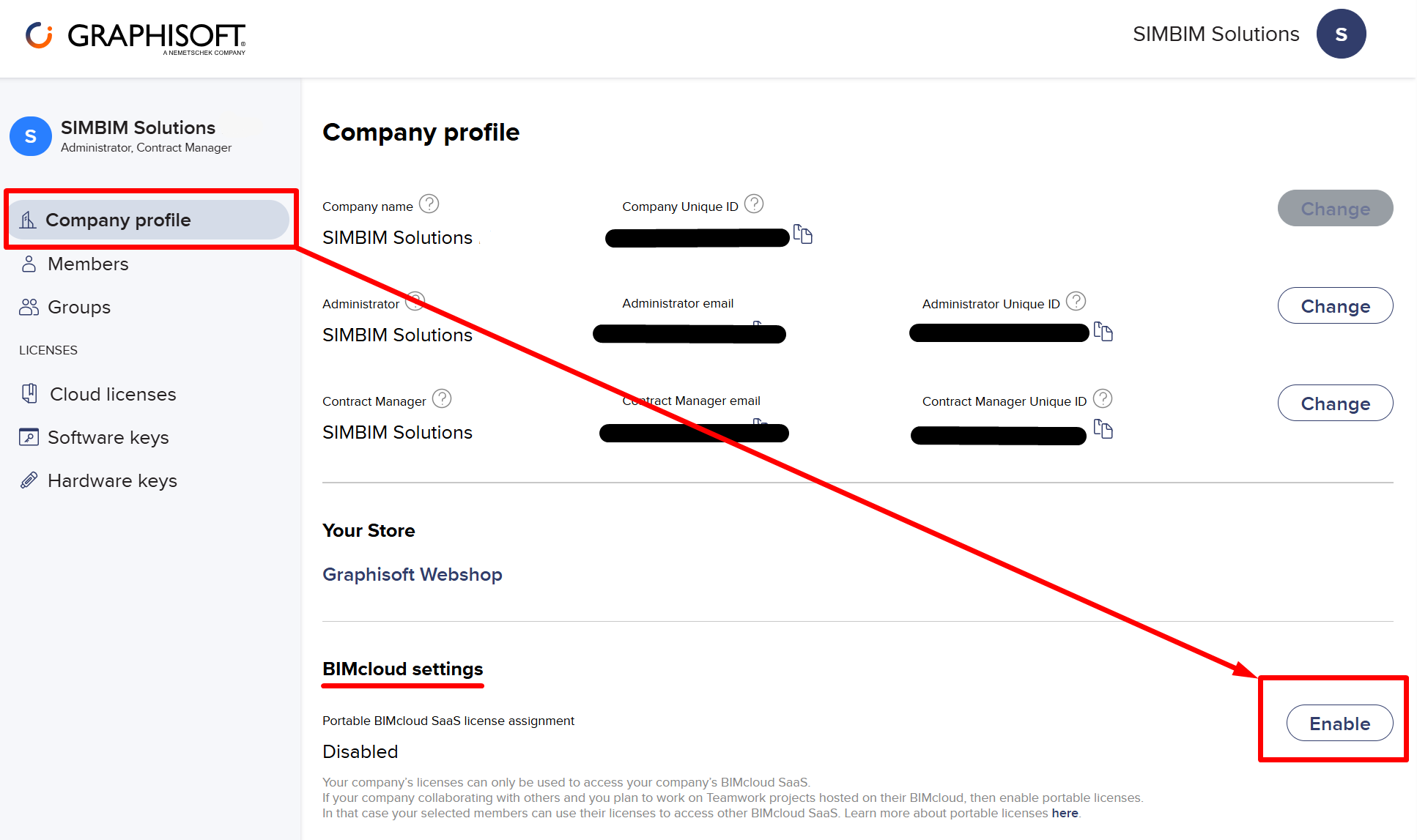
On the "Company Profile" tab, select "Enable" in the "BIMcloud settings" section
-
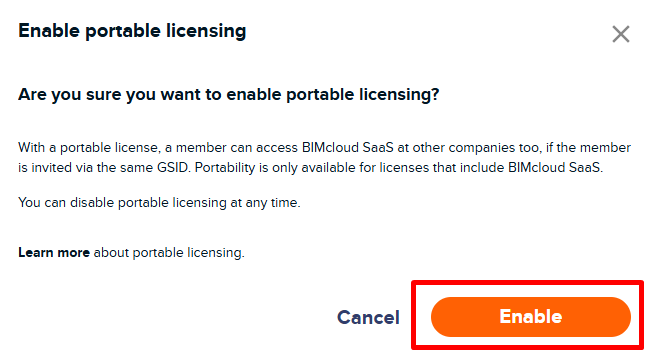
Select "Enable" in the confirmation window
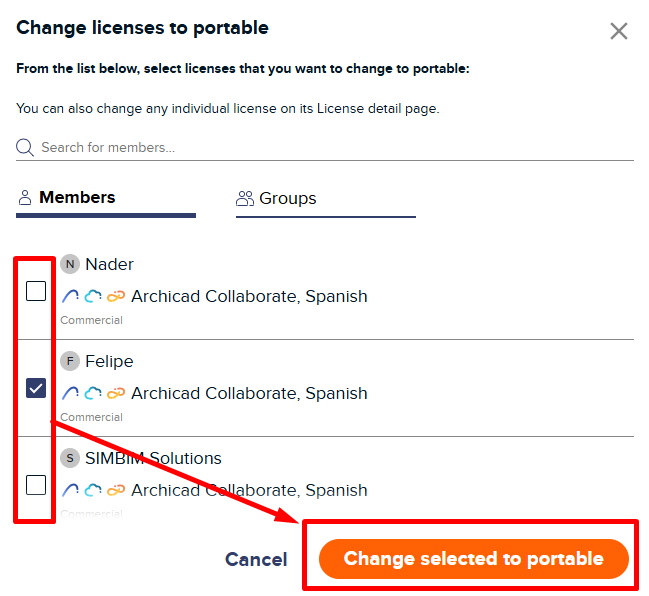
- Click "Select Licenses"
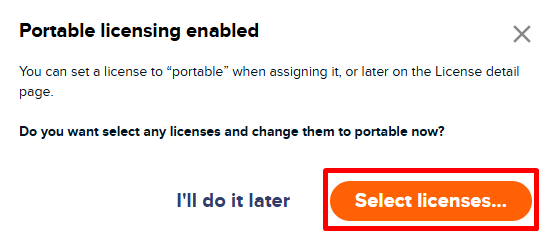
- Select the licences you want to enable
- The administrator of the BIMcloud SaaS you want to access must invite you to their Graphisoft ID as a guest. Once this is done, you will be able to collaborate on that BIMcloud SaaS using your own cloud licence