
Articles in this section
- How to Create an Archicad Template and What It Should Contain?
- How to Reallocate Bluebeam Subscriptions Between Accounts?
- How to Subscribe to Software with SIMBIM
- Archicad Files Don't Show the Correct Icon on Windows
- Why Can't I Assign a Licence If the User Shows Up as a Guest?
- How to Reset Your Bluebeam ID (BBID) Password?
- How to Transfer Markups to Another Document?
- How to Manage My Bluebeam Subscriptions?
- How to Change the Administrator of a Graphisoft ID Company?
- How to Use Bluebeam Revu on Mac Computers?
How Can I Work On-Site Using BIMx?
Reading time: 5 min.
BIMx, an award-winning tool from Graphisoft, has revolutionised the way architects and construction teams collaborate and communicate their designs. Here's how you can make the most of BIMx to work efficiently on-site.
1. Real-Time Access
- BIMx lets you access up-to-date models anytime, anywhere. Use your mobile device to explore the project, ensuring you always have the most recent information at your fingertips.
2. BIMx Hypermodels
- BIMx hypermodels contain links to the project's complete documentation, such as site plans, floor plans, elevations and sections. These hyperlinks take you directly to the information you need, eliminating the need to search manually.
3. 3D Model Exploration
- Exploring 3D models is intuitive and accessible even for those without training in reading 2D drawings. BIMx's immersive technology makes exploration more realistic, allowing every team member and client to understand the project instantly.
4. Managing Large Projects
- BIMx handles large, complex projects without delays, using computer-game-style model streaming technology. This ensures that even the most ambitious projects are managed efficiently.
5. Presentations and Feedback
- The presenter and gallery in BIMx are key tools for driving the design narrative and gathering quick feedback in face-to-face presentations. Clients and stakeholders can review the gallery at their own pace, enabling more flexible and detailed feedback.
6. Model Transfer
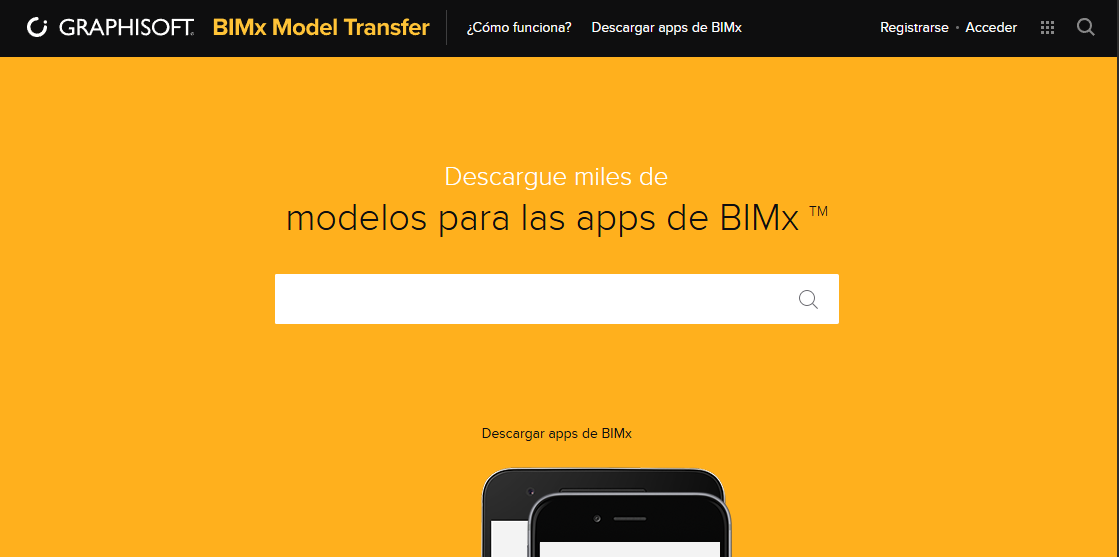
- Use the BIMx Model Transfer service to share 3D designs on your website, boosting sales and project visibility. This also means less paper use during construction and client meetings, since the model data is always up to date and accessible (Read more...).
7. Access to Construction Information
- BIMx gives you access to detailed information about building elements, such as fire ratings and properties. In addition, if you are a facility manager or building owner, you can integrate facility management databases to simplify maintenance processes.
8. Mobility and Synchronisation
- BIMx can run on any mobile device with no special hardware required. Thanks to BIMcloud (Read more...) and BIMx Model Transfer (Read more...), you'll always have the up-to-date project in your pocket, with no need to connect your device to a computer.
9. Efficient Communication
- Exchange messages and project images in real time with your team, ensuring everyone is on the same page and can resolve issues quickly.
Conclusion
BIMx is a comprehensive tool that makes collaboration and communication on construction projects easier. By using BIMx, you can work more efficiently and effectively on-site, ensuring every team member has access to the most up-to-date information and can collaborate seamlessly.
To get started, download the BIMx app on your mobile device or desktop, or open the model in your browser and explore all the features this tool has to offer.