Articles in this section
- How to Create an Archicad Template and What It Should Contain?
- How to Reallocate Bluebeam Subscriptions Between Accounts?
- How to Subscribe to Software with SIMBIM
- Archicad Files Don't Show the Correct Icon on Windows
- Why Can't I Assign a Licence If the User Shows Up as a Guest?
- How to Reset Your Bluebeam ID (BBID) Password?
- How to Transfer Markups to Another Document?
- How to Manage My Bluebeam Subscriptions?
- How to Change the Administrator of a Graphisoft ID Company?
- How to Use Bluebeam Revu on Mac Computers?
How to Download and Install BIMx?
Reading time: 5 min.
BIMx is Graphisoft's Viewer for exploring virtual models in the context of the project's 2D documentation, hyperlinks and embedded BIM data. (Read more...)
Steps to follow
- Visit the official website and download BIMx from Graphisoft (Start – Graphisoft Spain).
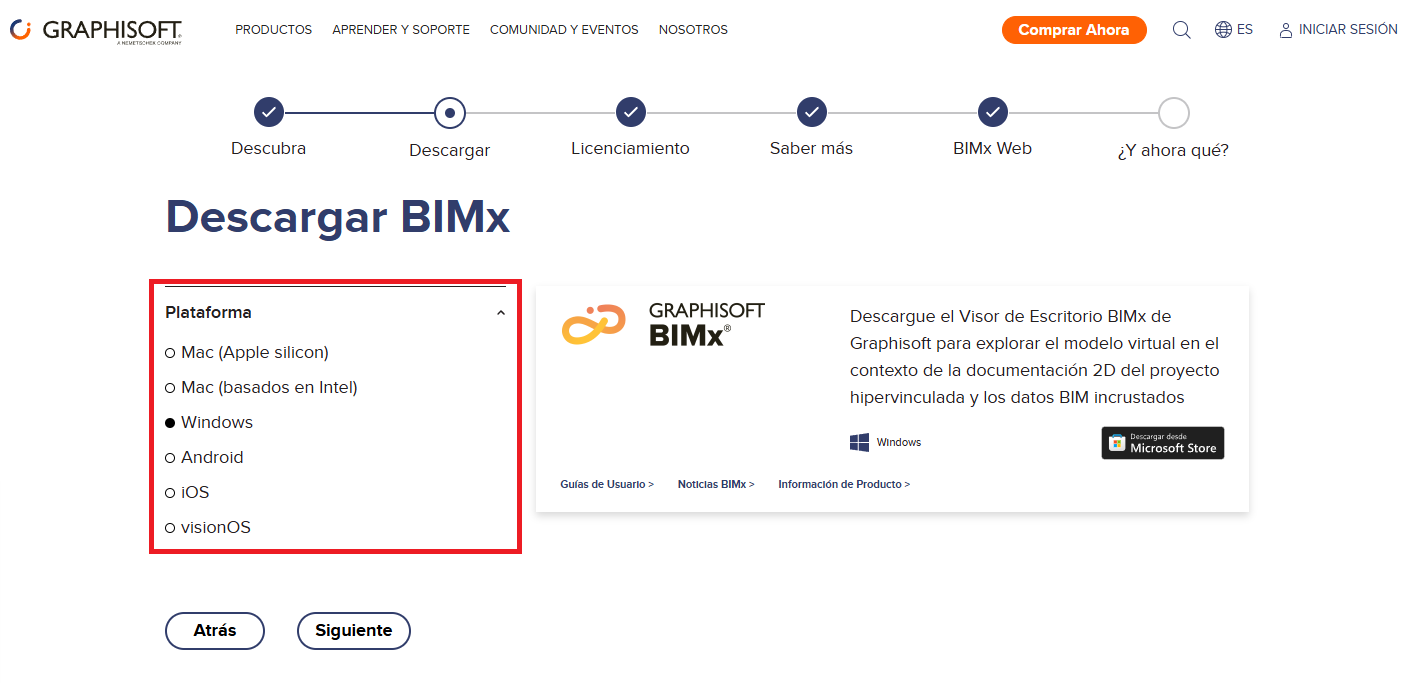
- Select the platform you want to install BIMx on (see image).
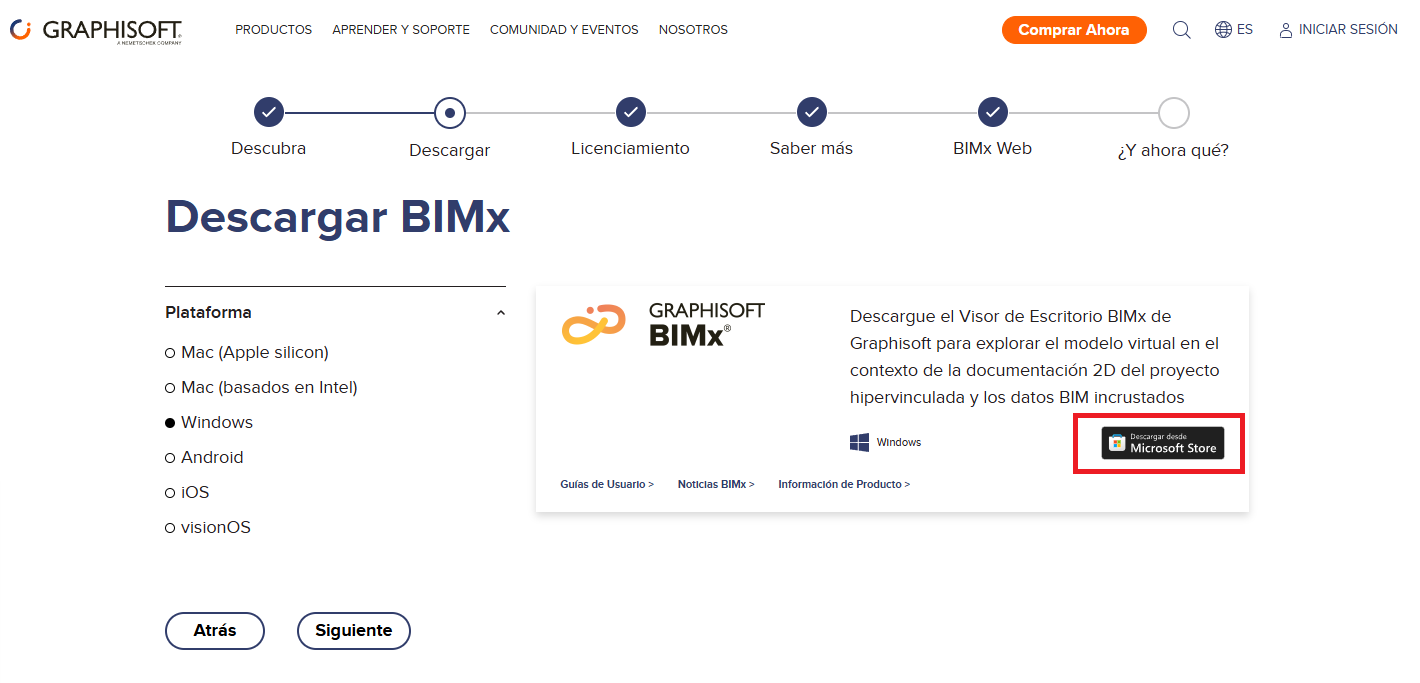
- Click the online store button for the platform you selected.